AI Workout Plan Generator: How It Works and Where AI Falls Short

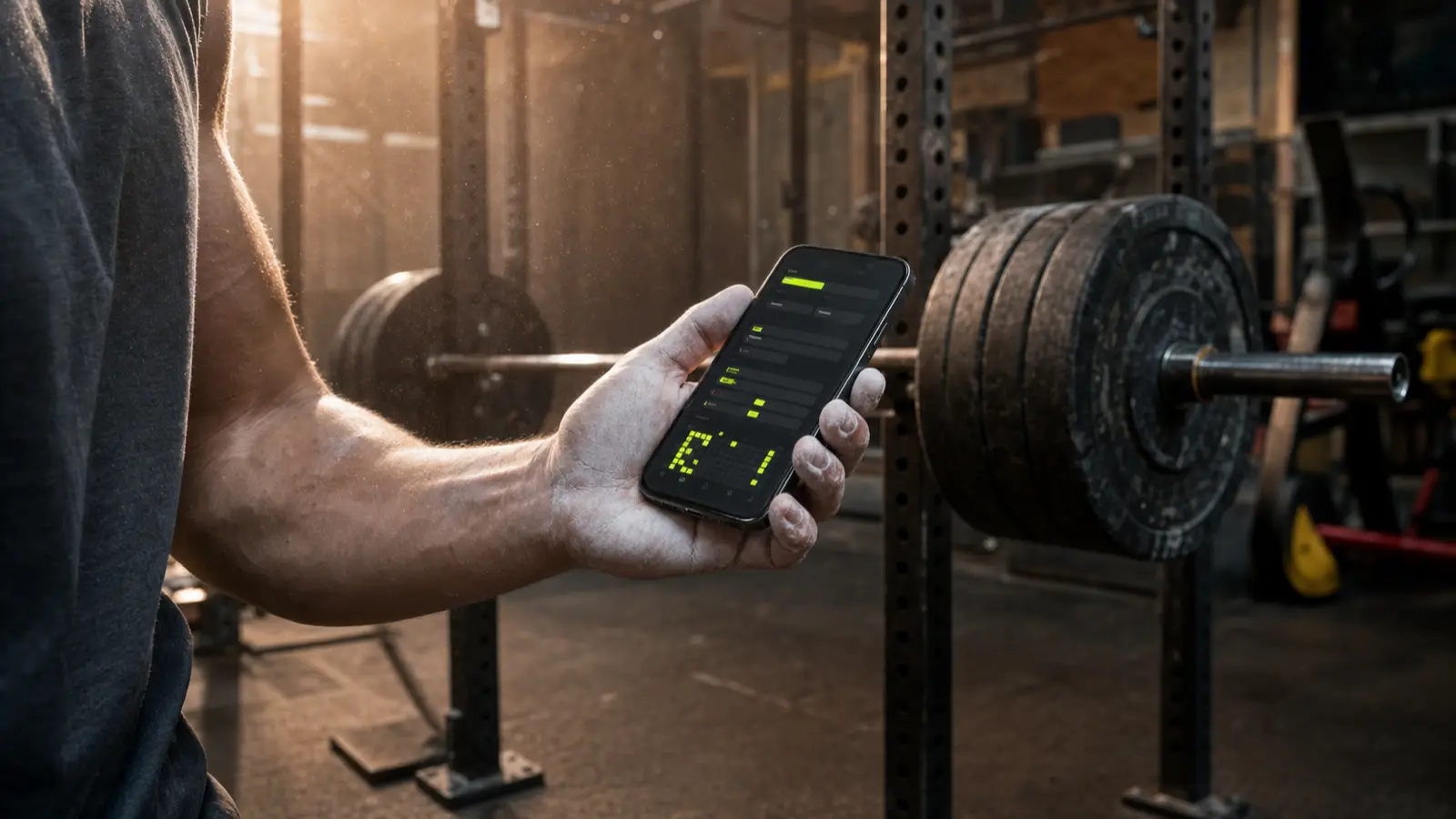
An AI workout plan generator takes a few facts about you, your goal, your training days, your equipment, and your experience, and spits out a full workout plan in under a minute. It matches you to a split, picks the exercises, and sets your reps. Genuinely useful. What most of them won't tell you is that a plan is only worth as much as the tracking that follows it, and that a raw chatbot can hand you exercises that don't exist.
Here's how these tools actually work, what "free" really means, and how to tell a good plan from generic filler.
What an AI workout plan generator actually does
Feed it a handful of inputs and it hands back a structured routine. The inputs that matter most:
- Your goal. Build muscle, get stronger, lose fat, or general fitness. This shapes your rep ranges and exercise picks.
- Days per week. Three, four, five. This decides your split (how you divide the muscles across the week).
- Equipment. Full gym, dumbbells only, or bodyweight at home. A plan full of cable moves is useless if you train in a garage.
- Experience. Beginner, intermediate, advanced. This sets how complex the lifts are and how fast the plan pushes you.
"AI" sounds like magic here, but it isn't. The generator is pattern-matching proven training rules, the same ones a decent coach follows: hit each muscle a couple of times a week, balance push and pull, start light and add over time. It's a fast, solid first draft, not a mind reader.
Takeaway: give it your goal, days, gear, and level, and you get a sensible first draft in seconds.
Is a "free AI workout plan generator" really free?
Most tools are free to generate a plan. The catch shows up the moment you want to keep it.
Generating is the cheap part. The value is everything after: saving the plan, logging your sets, and progressing week over week. Plenty of "free, no signup" generators hand you a plan, then paywall the moment you try to save or track it. You walk away with a screenshot and nothing to log into.
So read past the headline. A generator that builds a plan but won't let you track it for free isn't really free, it's a lead magnet. If you want tools that stay free, here are the best free workout apps without a subscription.
Here's how Ironi splits it, plainly:
- Free forever: the whole tracker and voice logging. Log every set, watch your progress climb, and export your data, all at no cost. This is the part that actually builds muscle, and it never gets walled off.
- Ironi Pro ($3.99/mo or $29.99/yr): the AI layer. That's the AI split generator that writes your plan, plus the plain-English post-workout reviews.
Ironi flips the usual trap: your tracking stays free for good, and the AI that drafts the plan is a cheap add-on, not a wall on your own data.
Takeaway: "free to generate" and "free to track" are different promises. Check which one you're actually getting.
How a good AI generator builds your plan
A good generator makes three calls, each fit to your real life.
It matches a split to your actual schedule. Tell it four days and it builds a four-day plan, like an upper/lower split run twice a week, not a six-day routine you'll abandon by Wednesday. It fits the days you truly show up, not the days you wish you could.
It picks exercises for your equipment and level. Dumbbells only? No barbell back squats. Beginner? No advanced moves that take months to do safely. Every exercise should be one you can perform today with the gear you have.
It sets reps, sets, and progression targets that mean something. This is the tell of a real plan. You want specific numbers: 3 sets of 8 to 12 reps, not a vague "do some chest." And it should build in progressive overload, doing a little more over time. A good rule: start a new lift around 8 to 12 reps, climb to the top, then add about 2.5kg (5 lb) and start over. That's the double progression method in one line. Skip it and you've got a list of exercises, not a program.
Takeaway: a good plan fits your schedule, your gear, and your level, and it tells you exactly what to do each set.
Why a real exercise catalog beats a raw chatbot
Ask a general chatbot for a workout plan and it will confidently write you one. The problem: it's generating text, not choosing from real exercises. So it can invent a move that doesn't exist, blend two into a nonsense hybrid, or prescribe a cable machine your gym doesn't own.
There's also plenty it can't know on day one:
- Your true working weights. It's guessing what you can lift until you log a single real set.
- Your form and injury history. AI can't watch you move, can't spot a shoulder about to flare up, can't correct your squat. For technique and pain, you still see a human.
A generator locked to a real exercise catalog fixes this. Ironi's AI split generator is constrained to a catalog of 758 real exercises, each with a demo, a target muscle group, and known equipment. It cannot prescribe a move that doesn't exist or assume gear you don't have, because it only picks from real ones.
Takeaway: a chatbot writes plausible words; a catalog-locked generator picks real moves. And no AI knows your weights, your form, or your injuries. Log to teach it the first, see a human for the rest.
A plan is useless if you never log it
Here's the part almost nobody mentions: a plan you never track gets you nowhere.
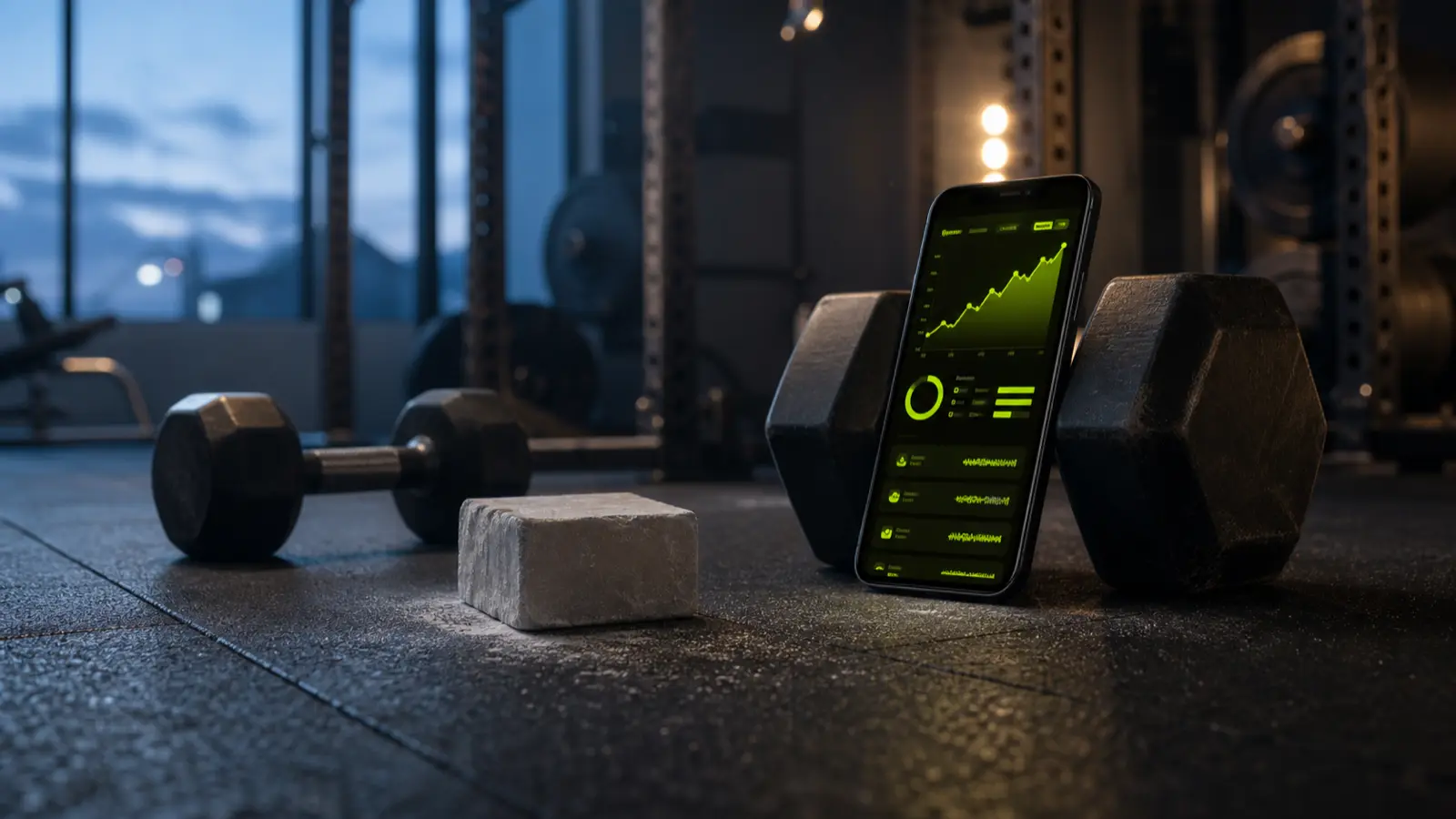
The whole point of a program is the loop: generate, log, progress. You get the plan, you log what you actually lift each session, and the plan uses that history to push you further next time. Skip the middle and you're just collecting PDFs. The muscle is built in the logging, not the generating.
This is also how a plan stops being a static guess. Once you log real sets, the numbers get personal. Your tracker sees you benched 60kg (132 lb) for 8 last week and tells you to try 62.5kg (137 lb) this week. That's a plan adapting to you, not a frozen PDF. New to tracking? Start with how to track your workouts.
Takeaway: the generator is step one of three. Log every set and let your real numbers steer the plan, or the plan is just a nice idea.
How to judge whether a generated plan is any good
Not every generated plan is worth running. Here's a quick rubric.
| Red flags (skip it) | Green flags (run it) |
|---|---|
| Random exercises with no logic | A sensible split for your days |
| No sets, reps, or progression | Specific sets and reps, like 3 x 8-12 |
| Wrong number of training days | Exercises you can actually do |
| Moves that need gear you lack | A clear way to add weight over time |
| Vague goals like "get fit" | Targets tied to your real goal |
If a plan hits the green column, run it. If it leans red, regenerate or fix it before wasting three weeks. Fastest check: does every exercise have a real set-and-rep target you could log tonight? If not, it's not a program yet.
Takeaway: real targets, a split that fits your days, and moves you can do. Anything else is filler.
AI generator vs personal trainer vs templates
Three ways to get a plan, each with a real place.
- AI generator. Free to a few dollars a month, and instant. Best for a personalized starting point. Weakness: no eyes on your form.
- Personal trainer. Roughly $480 to $960 a month for a couple of sessions a week. Unbeatable for form fixes and accountability. Weakness: the price, and their schedule.
- Fixed templates. Free proven programs like a beginner full-body or push/pull/legs. Battle-tested, but they don't bend to your exact days or gear.
The honest math: an AI plan plus a free tracker gets you most of what a trainer gives, minus the form coaching, for a fraction of the cost. Use a trainer for a few sessions to nail technique, then let AI and your logbook run the rest.
Takeaway: AI for a fast personal draft, a trainer for form and accountability, templates for a safe default. Mix as your budget allows.
How to generate a plan with Ironi, step by step
The full loop, start to finish:
- Open Ironi and start a new split.
- Choose "Let AI build it," then set your goal, days per week, equipment, and experience.
- Review the plan. Every exercise comes from the real catalog with a demo, so check it against the green-flag list above.
- Save it and start your first workout. Log every set as you go, by hand or by voice.
- Come back next session. Your logged numbers pre-fill your next targets, and the plan climbs with you.
The tracker and logging are free forever; the AI split generator and reviews are Ironi Pro ($3.99/mo, $29.99/yr).
Quick FAQ
- Can I trust an AI plan as a beginner? As a starting point, yes, especially one locked to a real catalog. Just get a few form-coaching sessions for the big lifts.
- How often should I regenerate? Rarely. Run a plan for 6 to 8 weeks, progressing it, before changing the exercises.
- Does the plan change as I get stronger? The exercises stay put; your targets climb from your logged sets. That's the plan getting harder as you do.
Takeaway: generate a real plan in a minute, then log it every session. The AI writes the first draft. Your logbook writes the rest.