Workout Spreadsheet vs App: Which Actually Keeps You Logging in 2026?

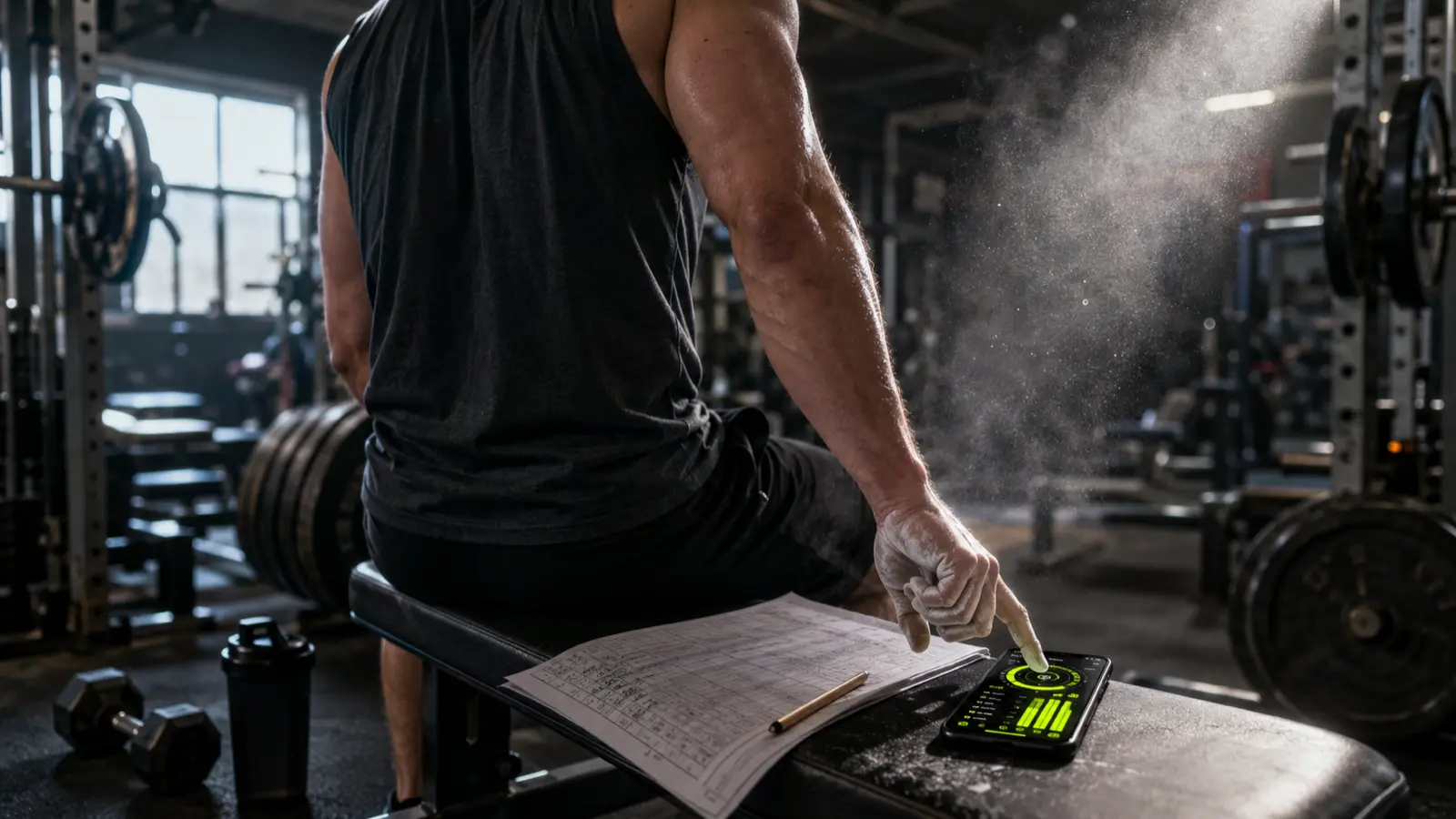
The honest answer to workout tracker spreadsheet vs app is this: an app wins for most people because it kills the friction of logging mid-set, but a spreadsheet wins if you like to tinker and you want to own your numbers forever. Both hold the exact same weights and reps. The real test isn't which one has more features. It's which one you'll still open on a rushed Tuesday in month three.
Up front: almost every "spreadsheet vs app" article is written by someone selling you the app. This one isn't. The guy who built Ironi logged a full year in Excel before he wrote a line of app code, so spreadsheets get a fair hearing here.
The real question: which one survives month three
Quick verdict first.
- Pick a spreadsheet if you love building things, you want your data in your hands forever, or you coach people and need custom columns for each client.
- Pick an app if you want to walk in, open it, and start your first set with zero setup.
- The tie-breaker is friction, not feature count.
A spreadsheet with beautiful formulas you abandon in three weeks tracks nothing. A basic app you open every session tracks everything.
Takeaway: count sessions logged per month, not features. That number tells you which tool won.
Speed: logging a set, spreadsheet vs app
Most spreadsheets quietly lose here. You just finished a heavy set of squats, hands chalked, heart going, and now you're pinching the screen to hit one tiny cell in row 47. Fat thumbs, small cells. Call it 20 to 30 seconds by the time you find the cell and type it clean. Across 20 sets, that adds up.
An app is built for that exact moment. Your next target is already filled in from last time, so you tap a plus or minus stepper and hit log. Two or three taps. Some apps go further and let you say it out loud: "bench 60 for 8," and it fills the set while your hands stay on the bar. No spreadsheet on earth does that.
Takeaway: if logging feels like a chore mid-workout, you'll skip sets, then whole sessions. Faster logging is the app's biggest real edge.
Setup, and why most spreadsheets die young
A blank spreadsheet is a project. You design the layout, write the formulas, build your exercise list, format the whole thing so it doesn't look like a tax form. That can eat a full evening or two before you log a single rep. Some people love that part. If that's you, go build it.
The pattern repeats everywhere: someone builds a gorgeous training sheet, uses it hard for two weeks, misses a day, forgets to backfill, and never opens it again. Most self-built spreadsheets get abandoned within weeks. Not because the sheet was bad, but because the setup burned their motivation before the habit had time to stick.
An app skips that. You install it, pick a preset split, and the exercise list is already there. First workout, same day.
| Spreadsheet | App | |
|---|---|---|
| Log one set mid-workout | Find the cell, type weight and reps, ~20 to 30 sec | Tap a stepper or say it, ~3 to 5 sec |
| Setup before first session | An evening or two of building | A few minutes, presets ready |
| Next-set target | You calculate it | Pre-filled from last time |
| Own your raw data | Yes, forever, it's your file | Only if the app lets you export |
| Cost | Free, plus your build time | Free to paid, depends on the app |
Takeaway: the sheet that takes two evenings to build is the sheet you're most likely to quit. Low setup keeps the habit alive.
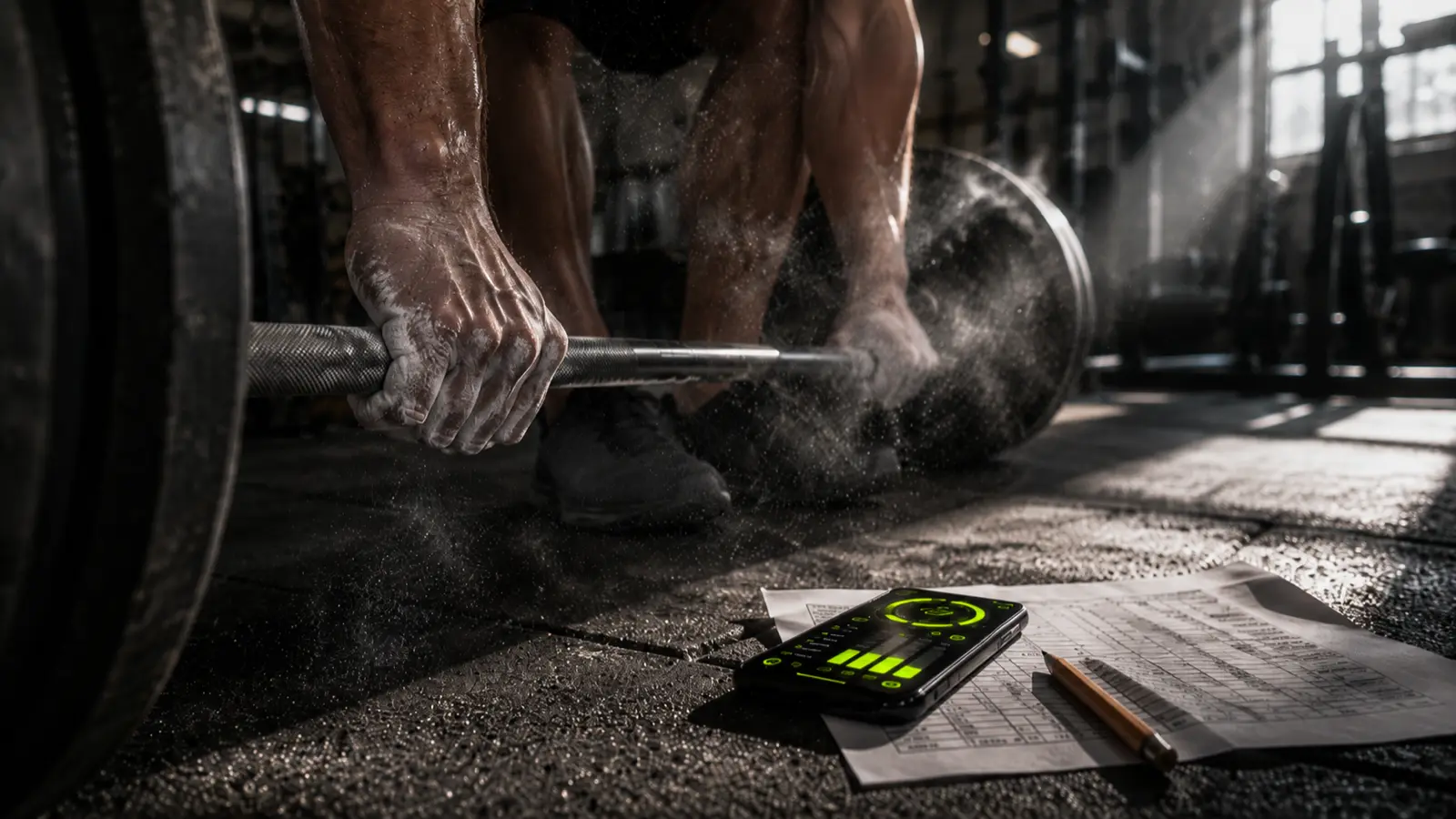
Progression: your formulas vs the app doing the math
Spreadsheets genuinely shine here, and they genuinely cost you here too.
In a sheet, you can track literally anything. Weight, reps, sets, rest, mood, bar speed, whatever you dream up. Total freedom. The catch is you also have to remember the rules and write the formulas. Say you follow double progression, which just means you climb the rep range first, then add a little weight. Push a lift from 8 reps up to 12, then bump the load by about 2.5kg (5 lb) and drop back to 8. In a spreadsheet, that logic lives in your head. You check last week, do the math, set the target.
A good app does that for you. It reads your last session and pre-fills your next target, so you confirm instead of calculate. The number is already on the screen when you walk up to the bar.
Takeaway: spreadsheets can do any progression you want, but you're the calculator. An app runs the same rules for you, every set.
Analytics and knowing the movement
Both turn your numbers into charts. In a spreadsheet you build them yourself, so you get exactly the graph you want and you have to maintain it. An app hands you the dashboard out of the box: PRs and estimated 1RM (your best-ever lifts, with a formula that makes different rep ranges comparable), current streak, and a heatmap of the days you trained. No formulas to babysit.
One thing a spreadsheet can't do at all: show you the movement. A cell just holds the name "Romanian deadlift." An app can show start and end demo frames and the equipment, so you log the right variation every time instead of guessing whether last month's "row" was the cable one or the barbell one.
Takeaway: spreadsheets give you charts you control but must maintain. Apps give you the dashboard, plus a picture of the lift, for free.
Cost: the spreadsheet vs app "free" myth
Spreadsheets are free. That's real. The only price is your build time and the upkeep.
Apps are where the word "free" gets slippery. A lot of trackers are free to download, then wall the actual tracking behind a subscription the moment you have three workouts of history. Most comparisons treat that as normal. It isn't the only model.
Some apps keep the whole tracker free forever and only charge for the extras. Ironi works that way: logging, voice logging, a 758-exercise catalog with demo frames, auto-progression, PR and estimated-1RM detection, streaks and the heatmap are all free with no cap. The paid Pro tier ($6.99/mo or $39.99/yr) is only the AI stuff, the trainer that reviews your session and the tool that builds you a split. The core logbook, the part a spreadsheet replaces, costs nothing.
Takeaway: "free app" can mean free tracker or free until you're hooked. Check what's actually gated before you trust one with your training. The best free workout apps without a subscription list does that check for seven of them.
Data ownership, export, and the gym with no signal
This is the part nobody warns you about, and it's the spreadsheet's strongest card.
Your spreadsheet is yours. It's a file. It sits on your drive, it works with no internet, and no company can paywall it, delete it, or shut down and take five years of your training with it. Phone dies in a basement gym with zero bars? The sheet still opens.
An app is a bet on a company. Usually the bet pays off. Still, ask one question before you commit: can I export my raw data? If the answer is no, you don't own your log, you're renting it. A good app logs offline, syncs across your devices, and lets you pull everything out as a plain file whenever you want. Demand that, or keep a foot in the spreadsheet.
Takeaway: before you trust years of training to any app, make sure you can get it back out. Your spreadsheet already passes that test.
The hybrid, and the bottom line
You don't actually have to choose. Plenty of serious lifters run both. Log in an app during the session for the speed, then export to a spreadsheet every few weeks for the deep analysis. You get fast logging in the gym and a file you own forever. This suits advanced lifters and coaches most.
So, honestly:
- Spreadsheet if you enjoy building, you want total control, and you'll keep it up. It's yours forever and it'll bend to anything you want.
- App if you want to open it and train, log a set in three taps, and never touch a formula.
- Both if you value speed in the gym but refuse to rent your own data.
There's no universal winner here, and anyone who tells you otherwise is selling something. The best tool is the one you'll still be logging into in month three. Pick for the habit, not the feature list.
Takeaway: match the tool to the habit you'll actually keep. Sessions logged beats every feature comparison ever written.